How it works
How to turn a picture into a Godot game with AI, in your browser
To turn a picture into a Godot game, open img2godot.com, drop your picture into the start card (or make one with Generate), choose whether it is the player, an enemy, a pickup or the level, describe the game in a sentence, and press Make my game. An AI agent imports your picture as it is, writes the game in GDScript on the Godot engine, runs it, plays it, and fixes what it finds. It all happens in the browser, with nothing to install, and a first game typically takes from under a minute to a few minutes.
Also in: Español · Deutsch · Français · Português · Italiano · Nederlands · Svenska · Norsk · Bahasa Indonesia · Türkçe · Polski · Tiếng Việt · Русский · 日本語 · 한국어 · 繁體中文
On this page
This guide walks through every step with screenshots from a real session, then covers costs, limits and the questions people ask most. For a full worked example, see a kid's drawing that became a Godot game.
What you need
- A browser on a computer, tablet or phone. The Shiny Gen apps for iPhone, iPad and Android run the same editor and agent.
- A picture: concept art, a sketch, a photo of a toy or a pet, a drawing. Or nothing at all, if you make one on the page.
- A free account, which you create on the page when you start.
Step 1: Bring a picture
The start card has three tabs.
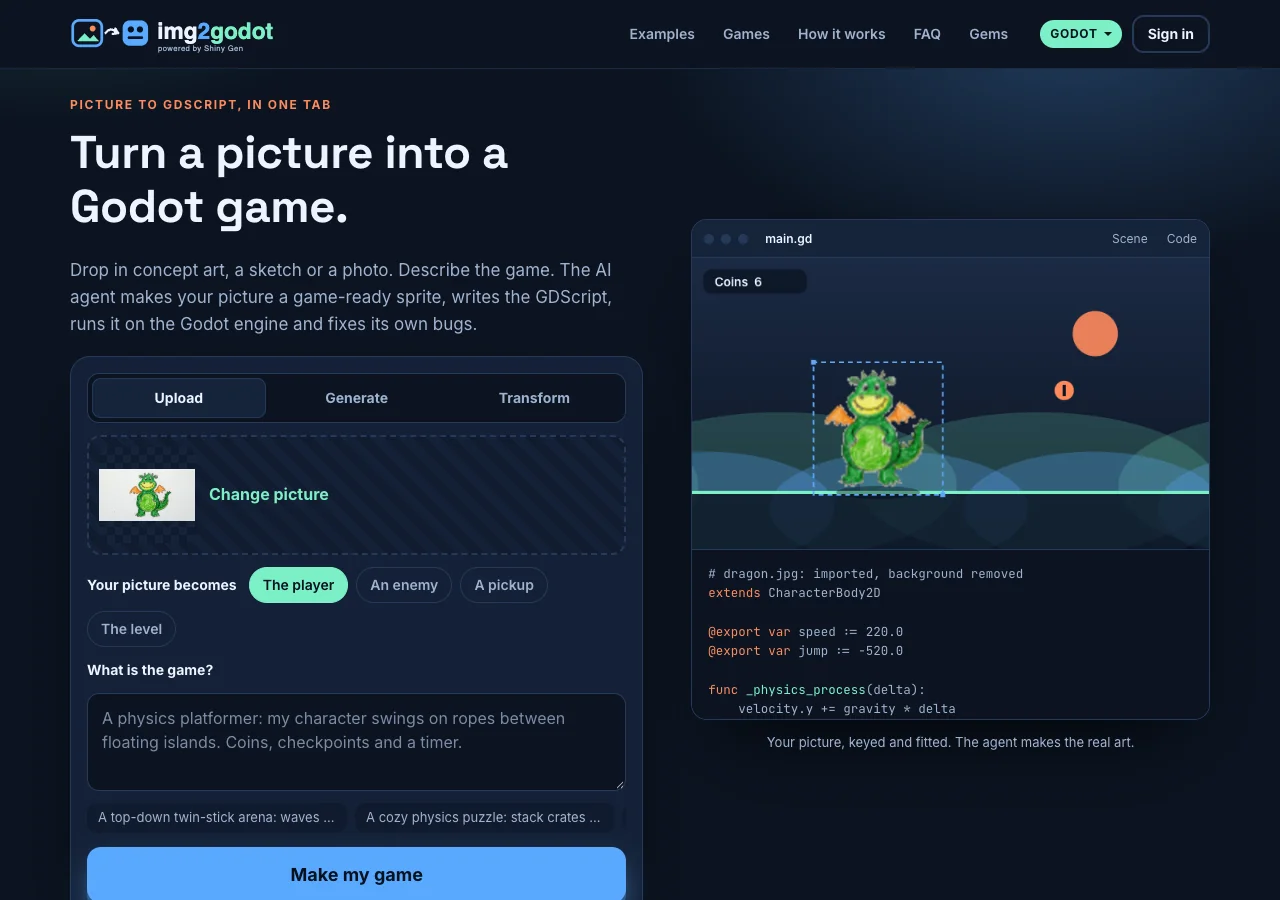
Upload takes a PNG, JPG or WebP. You can also paste an image. As soon as it is in, the preview on the right shows it in a little scene with its background keyed out, so you can see whether the cut-out worked. That preview is only a look; the agent makes the real sprite.
Generate makes a picture from a sentence, if you do not have one yet. Pick Detailed (8 gems), Fast (2 gems) or Pixel art (3 gems). The button shows the price before it runs, and you are only charged when a picture comes back. For a character, describe one subject, full body, on a plain background.
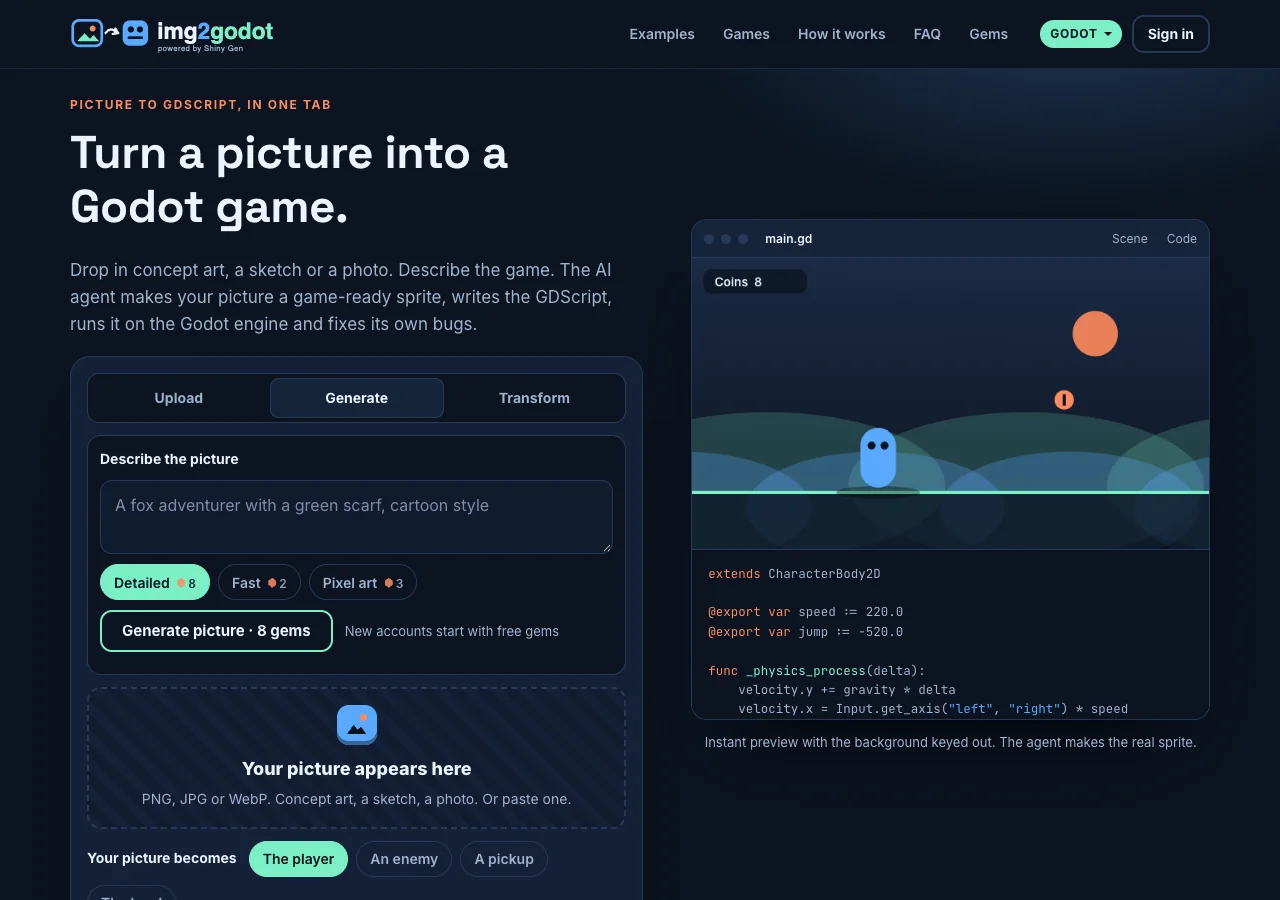
Transform is img2img: it restyles a picture you uploaded, for example "turn it into a sci-fi robot version". Best costs 8 gems and Fast 7.
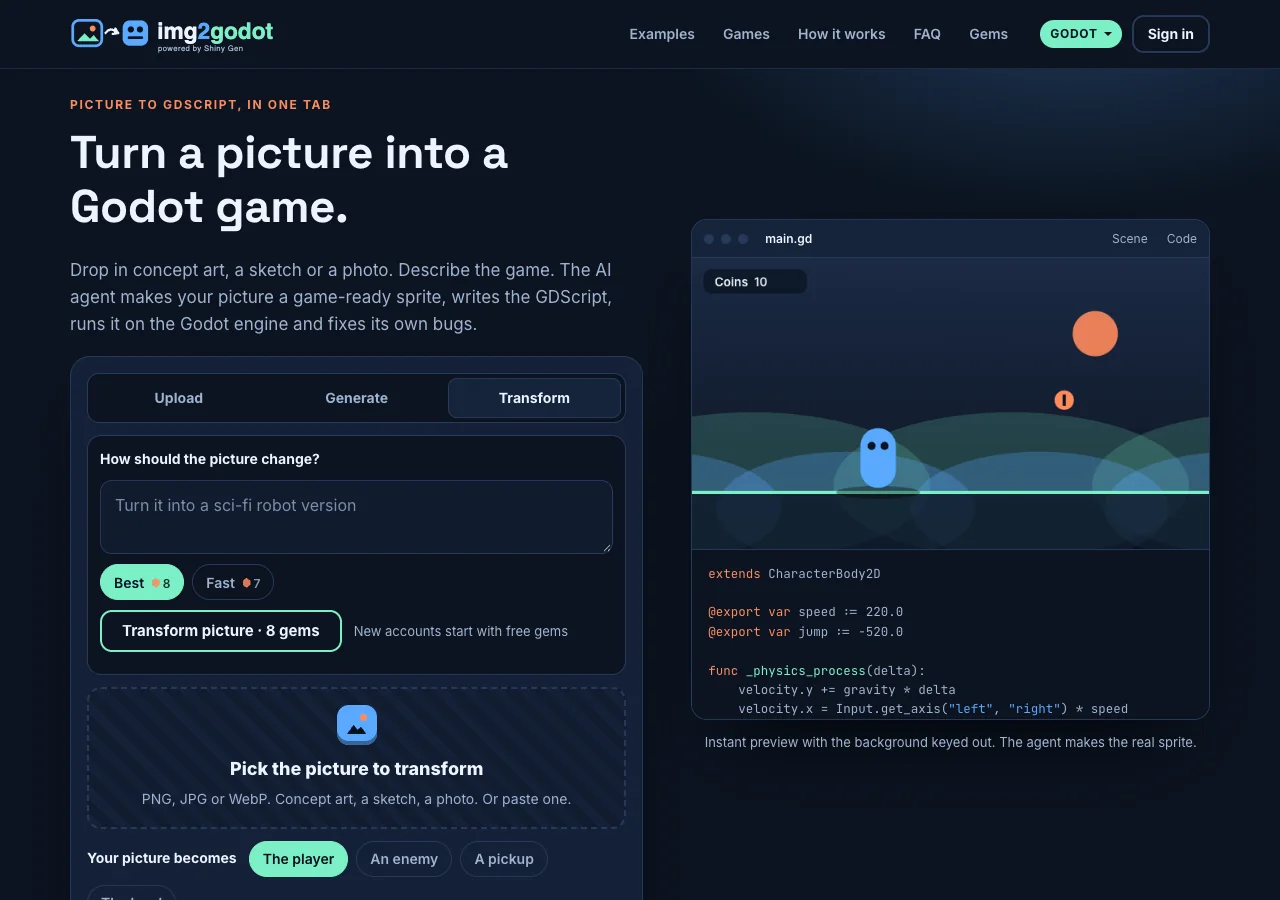
Step 2: Choose what your picture becomes
Under "Your picture becomes" pick one:
- The player. The picture is imported as the player's sprite, kept as it is, and brought to life in code with a bob, a squash on landing and a flip to face where it moves.
- An enemy. The picture is the main enemy, again kept as it is.
- A pickup. A small sprite the player collects.
- The level. The picture becomes the background of the level, and the world takes its colors from it. Landscapes and paintings work well here.
Step 3: Describe the game
Write what the player does, the controls, the goal and the feel. One or two sentences are enough. The ideas under the box (a twin-stick arena, a physics puzzle, a 3D marble roll, an endless glider) fill it in if you want a starting point.
Good prompts name the genre, the goal and one or two rules: "A platformer: the fox double-jumps between floating islands collecting berries before sunset. A timer, and a best time."
Step 4: Press Make my game and sign in
If you are not signed in, a sign-up opens on the same page. An email is enough, or use Google, Apple or X through "Sign in with your Shiny Gen account". Your img2godot account is a Shiny Gen account, so your games are also in the Shiny Gen app.
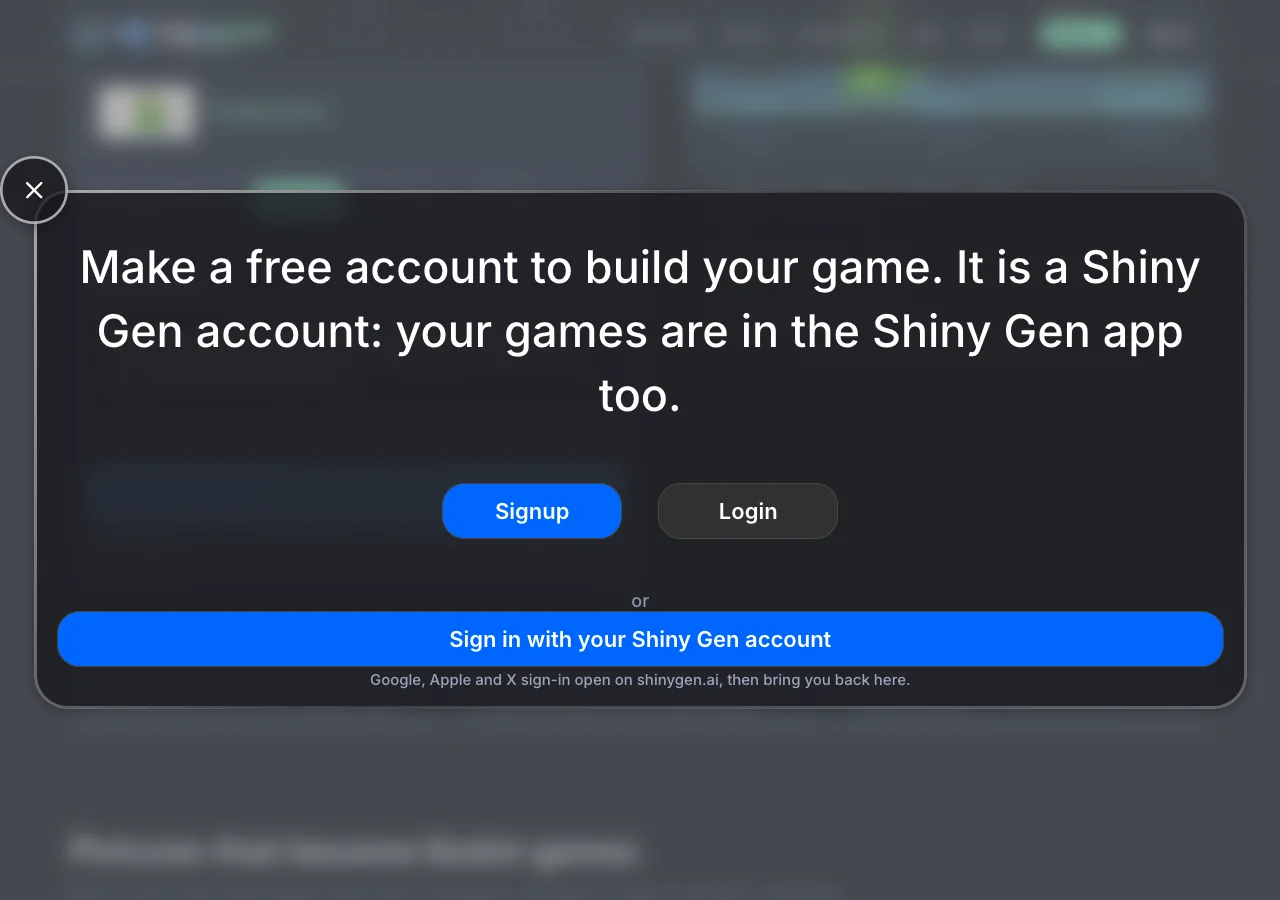
The studio then opens on img2godot.com with your picture and your words already sent as your first message. In our sessions the agent was working about 10 seconds after the button press.
Step 5: Watch the agent build, play and fix it
The agent imports your picture (free; it does not redraw it), makes sounds, writes the game in GDScript, and then runs it. It takes screenshots, presses the controls, reads errors with their line numbers and fixes them. You see each step in the chat as it happens.
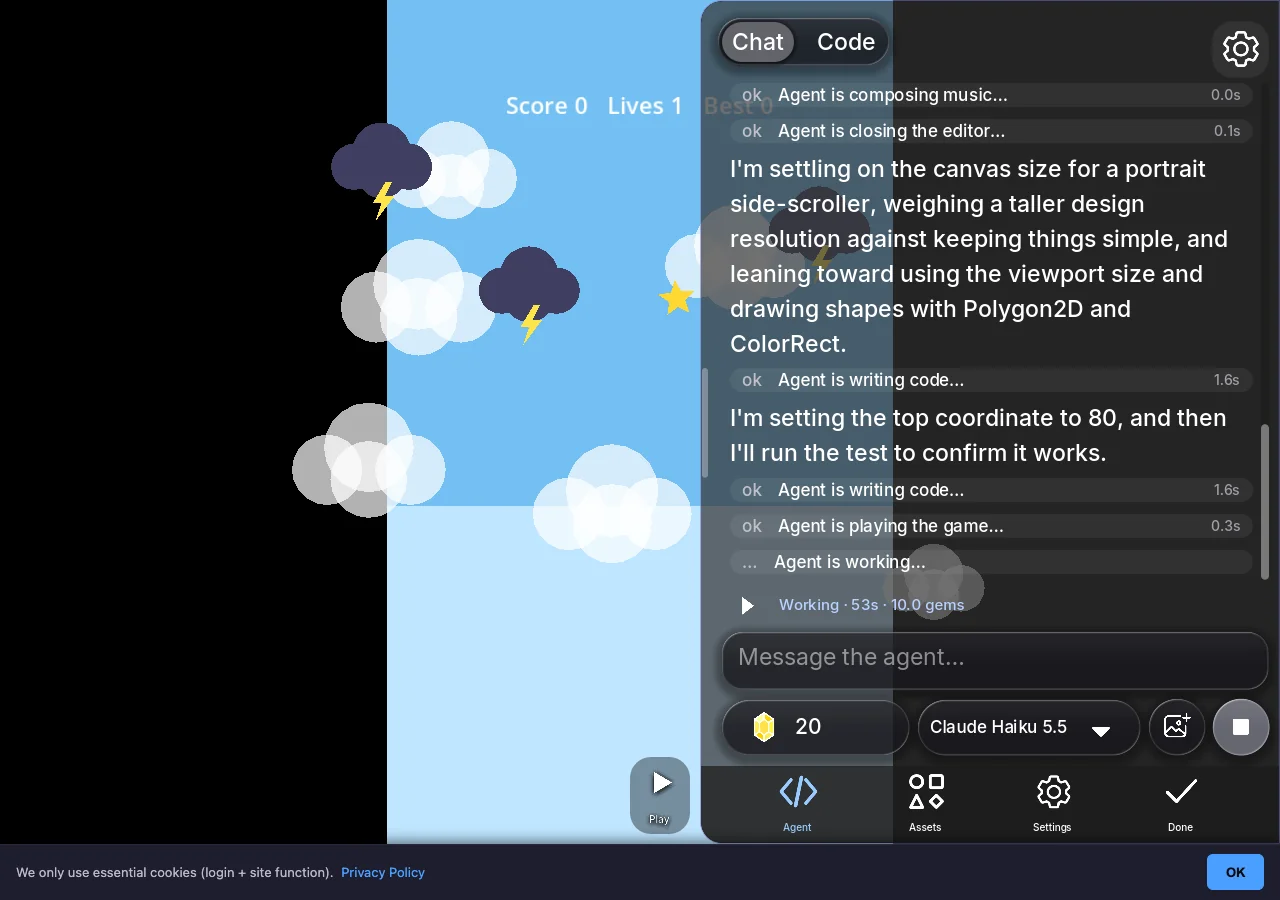
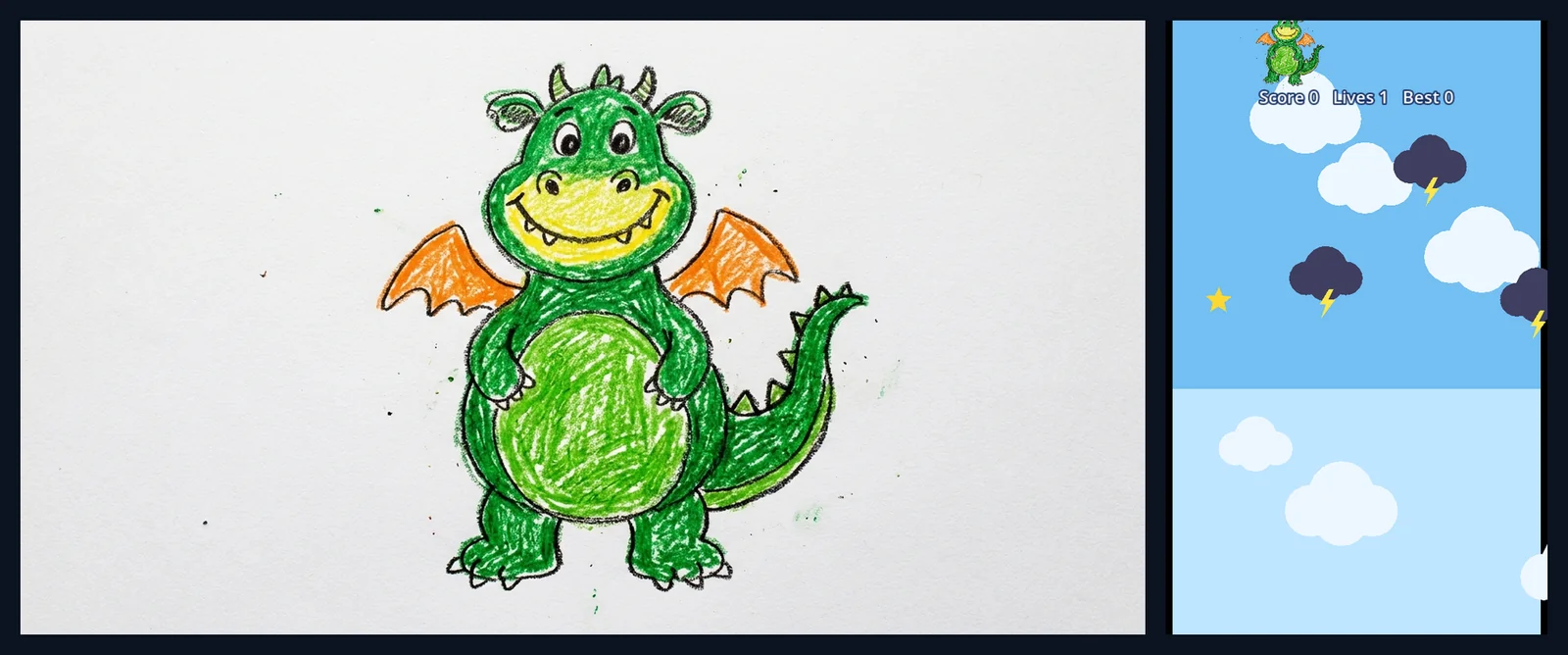
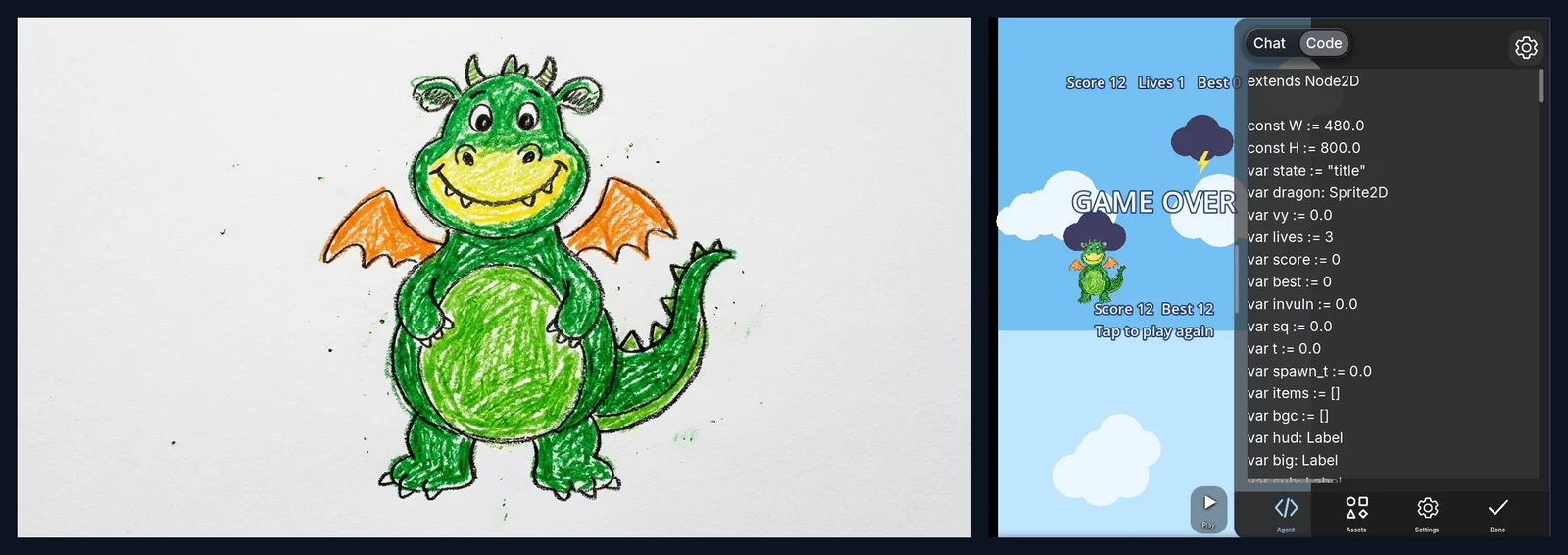
When it is done, it tells you what it built, what it played, and what it did not check. In our crayon dragon session it reported a small bug of its own (a lives counter that stayed at 1 on the game-over screen) and offered next steps as buttons.
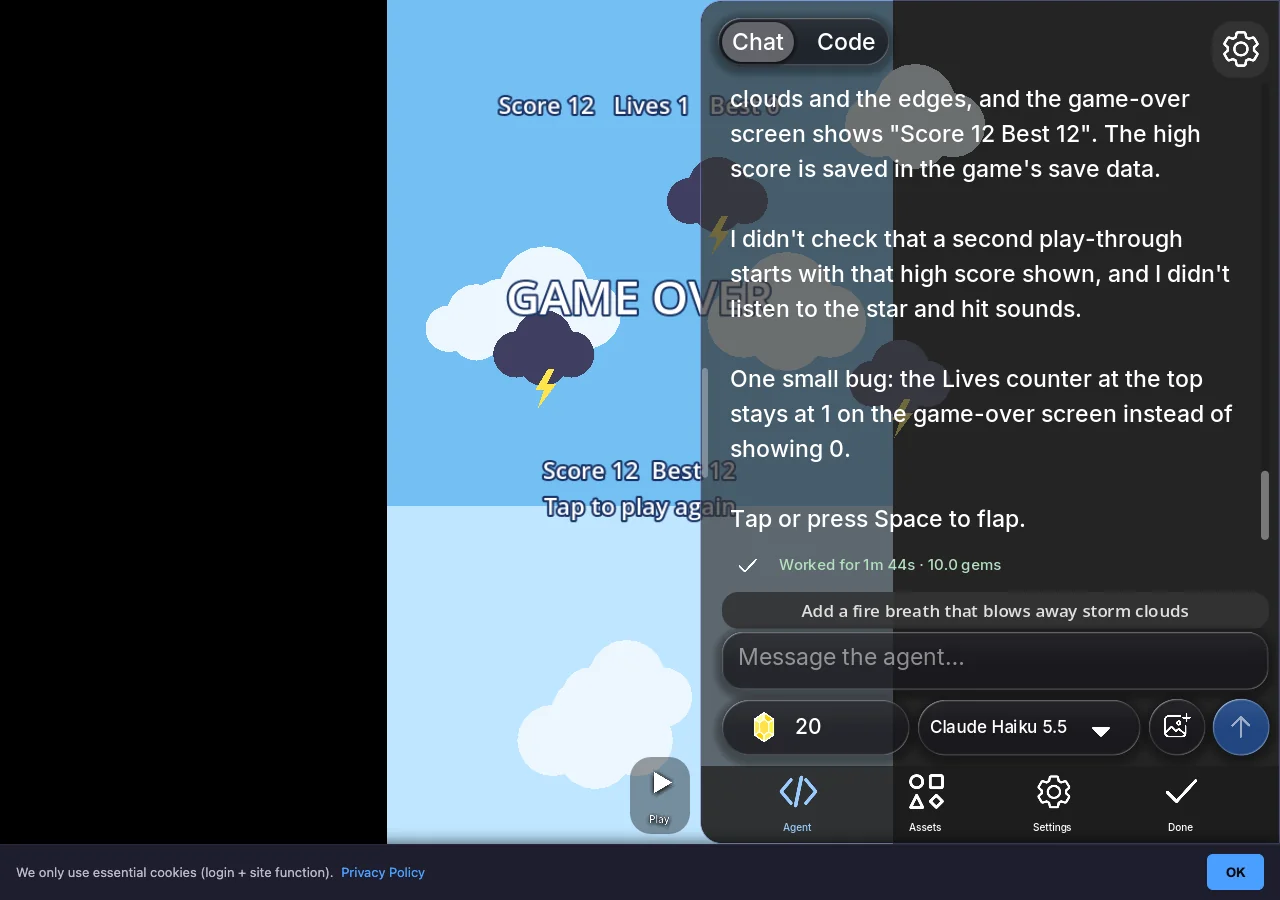
Step 6: Play it, change it, share it
Press Play to play the game full screen. To change anything, type it in the chat: "make the dragon bigger", "add a boss", "three levels instead of one". You can also read and edit the GDScript yourself in the Code view, which costs nothing.
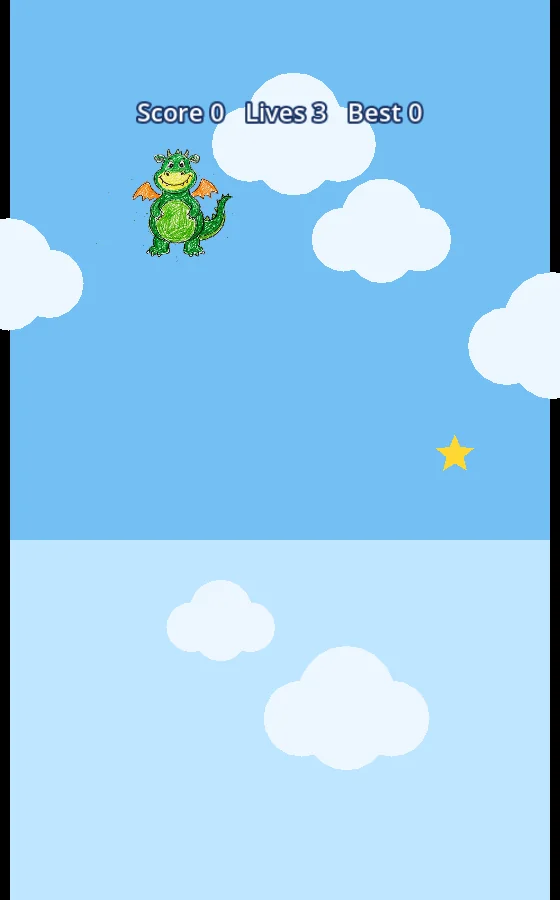
What you get
- A playable game on the Godot engine, saved in your account, that you can open again any time.
- A share link on img2godot.com that anyone can open in a browser, with nothing to install.
- The GDScript, readable and editable in the Code view.
- A web export zip you can upload to itch.io or any web host, after any one purchase (the starter pack is $2.99).
What it costs
Making, playing, sharing and editing code by hand are free. AI generation uses gems: the agent's work, images, animation, sound and music. New accounts get free gems and free agent turns. The first games in our img2godot sessions cost 10 or 11 gems each. Generate and Transform show their price before they run.
Gem packs start at $2.99 for 150 gems and never expire. Memberships are optional. The full table is on the Gems page.
Limits, honestly
- Engine. A fork of the Godot engine compiled for the web, with a WebGPU renderer, and the same engine in the iPhone, iPad and Android apps.
- Project files. The stock Godot editor cannot open a Shiny Gen project, and there is no project download yet. You can read and copy every line of GDScript.
- Builds. Games play in Shiny Gen, by link, or as a web export zip, which any one purchase unlocks. No Windows, macOS, Steam or app-store builds yet.
- Multiplayer stays inside Shiny Gen; a web export (unlocked by any one purchase) plays solo.
- Pictures. Any size goes in. A clear subject on a plain background cuts out best.
Tips for pictures that work
- One subject, centered, with space around it.
- A plain background (a white wall, a table, paper) so the cut-out is clean, and no gems go on background removal.
- For the level, a wide picture: a landscape, a painting, a room.
- Drawings: photograph them straight on, in good light.
FAQ
Is this real Godot and GDScript?
Yes. img2godot runs Shiny Gen's fork of the Godot engine compiled for the web, and the agent writes GDScript you can read in the Code view. The project runs on that sandboxed fork, so the stock Godot editor cannot open it.
Does the AI change my picture?
No. The site tells the agent to use your picture as it is, as the art, and not to redraw it. It removes a plain background and scales the picture to the size the game needs.
How long does it take?
In our sessions the agent worked from 38 seconds to under two minutes for a first Godot game, and longer for bigger requests with several levels or a boss.
Do I need to know how to code?
No. You describe the game in plain words and change it the same way. The code is there if you want to learn from it.
Can I make a 3D game from a picture?
The Godot engine here does 2D and 3D, so you can ask for a 3D game. By default your picture goes in as a 2D sprite, which keeps it looking exactly like your picture.
Can I use my own AI assistant instead?
Yes. Shiny Gen has a hosted MCP server, so Claude, ChatGPT or another MCP client can build in your project. Code an outside assistant writes costs no gems; generating assets does.
Does it work on a phone?
Yes, in mobile browsers and in the Shiny Gen apps for iPhone, iPad and Android, with the same account.
Further reading
Last updated: November 17, 2026